

Reviewed July 11, 2026.
Vibe coding is an informal way to build software by directing an AI assistant in natural language and judging the running result. It is effective for exploration and can contribute to real products, but production work still needs requirements, code and dependency review, tests, security controls, deployment ownership, and recovery.
The useful part of vibe coding is fast feedback. The dangerous part is confusing a plausible result with a verified system. Keep the conversational speed while adding checkpoints where evidence replaces vibes.
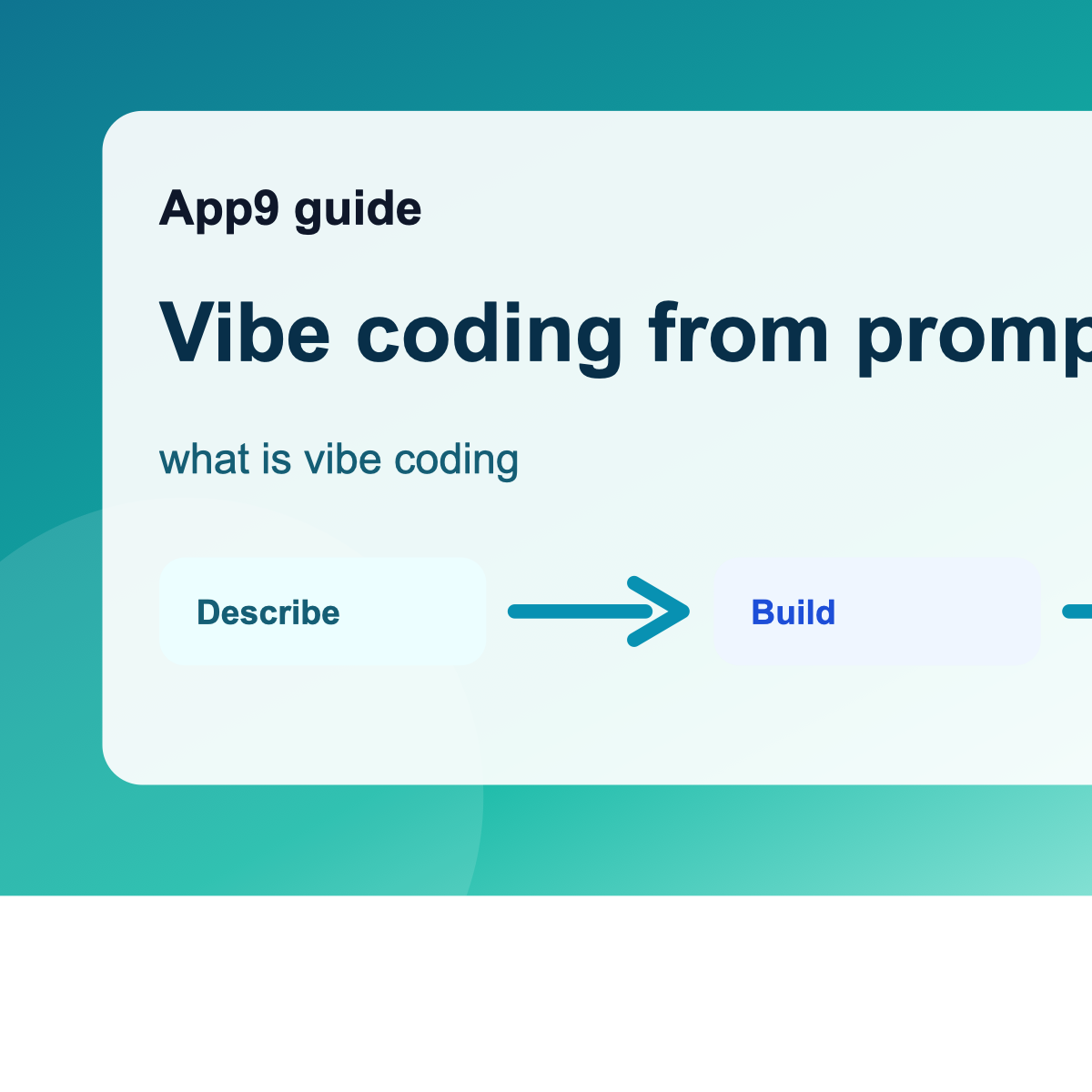
Use this working model
| Mode | Use it for | Required checkpoint |
|---|---|---|
| Explore | Trying workflows and interface directions | Confirm the problem before polishing |
| Shape | Defining users, data, states, and rules | Write durable requirements |
| Build | Implementing the thin slice | Inspect changes and test acceptance criteria |
| Harden | Permissions, failures, performance, accessibility | Use adversarial and recovery tests |
| Operate | Releases and improvements | Logs, alerts, backups, rollback, and ownership |
Worked example
A founder asks an assistant to make an expense-approval app. The first result is useful discovery. The production path adds organization isolation, approval limits, immutable history, receipt restrictions, duplicate handling, deactivated-user behavior, and an export the finance team can reconcile.
Before moving to the next stage
- Commit or snapshot before a broad change.
- Ask the assistant to explain what changed.
- Test with multiple roles.
- Search for exposed secrets and unsafe defaults.
- Stop and get expert review for high-impact data or decisions.
The build-review cycle
Work in changes small enough to understand. Before each change, preserve a known-good version. State the intended behavior and one failure case. After the assistant responds, review the files or project changes, run the acceptance check, and confirm that an unrelated core workflow still works. If a change breaks the project, prefer a clear rollback and a smaller request over a long chain of hopeful repair prompts.
- Describe: make one product decision explicit.
- Generate: ask for the smallest change that demonstrates it.
- Inspect: identify changed behavior, data, permissions, and dependencies.
- Verify: test the happy path, a forbidden path, and a failure state.
- Record: keep the requirement, evidence, cost, and known limitation.
This rhythm is slower than accepting every plausible screen and much faster than discovering ten intertwined assumptions during launch week. It also produces a handoff trail: a future maintainer can see why the app behaves as it does instead of treating generated code as an archaeological site.
Use the plain-English app guide, prototype checklist, scorecard to turn the idea into documented evidence instead of a longer prompt.
What good progress looks like
At the end of a useful iteration, the team can explain what changed, demonstrate the intended behavior, show what happens when it fails, and return to a known-good version. If the only evidence is that the latest screen looks convincing, the project is still an experiment.
Editorial disclosure: App9.co is owned by AccelerMedia LLC, which operates App9 Builder. This guidance applies to App9 and competing or code-first workflows. AI assistance does not remove the owner’s responsibility to test, protect users, and obtain expert review when risk warrants it.