

Reviewed July 11, 2026.
To build an app by describing it, describe the users, job, records, permissions, states, and acceptance criteria—not only the pages and colors. Start with one complete thin workflow, verify it with realistic test accounts, and add features only after the core path survives failure cases.
An AI builder can translate language into software, but it cannot rescue requirements that never make a decision. A strong description gives the system fewer plausible ways to be wrong.
Use this working model
| Brief element | Weak version | Useful version |
|---|---|---|
| User | “Customers” | Customer, coordinator, and administrator with separate permissions |
| Job | “Manage requests” | Submit, assign, update, and close a service request |
| Data | “Save everything” | Accounts, requests, attachments, updates, and status history |
| Rules | “Make it secure” | Customers can read only records owned by their account |
| Done | “Make it polished” | Five pilot users complete the workflow without staff help |
Worked example
Instead of “build a modern booking app,” ask for a responsive booking portal where customers choose a service and open slot, staff block availability, duplicate reservations are prevented on the server, and failed confirmation email is visible for retry. Name empty, loading, expired-session, and permission-denied states.
Before moving to the next stage
- One primary user and painful job
- Named records and relationships
- Role permissions
- Happy path and two failure paths
- Observable acceptance criteria
The build-review cycle
Work in changes small enough to understand. Before each change, preserve a known-good version. State the intended behavior and one failure case. After the assistant responds, review the files or project changes, run the acceptance check, and confirm that an unrelated core workflow still works. If a change breaks the project, prefer a clear rollback and a smaller request over a long chain of hopeful repair prompts.
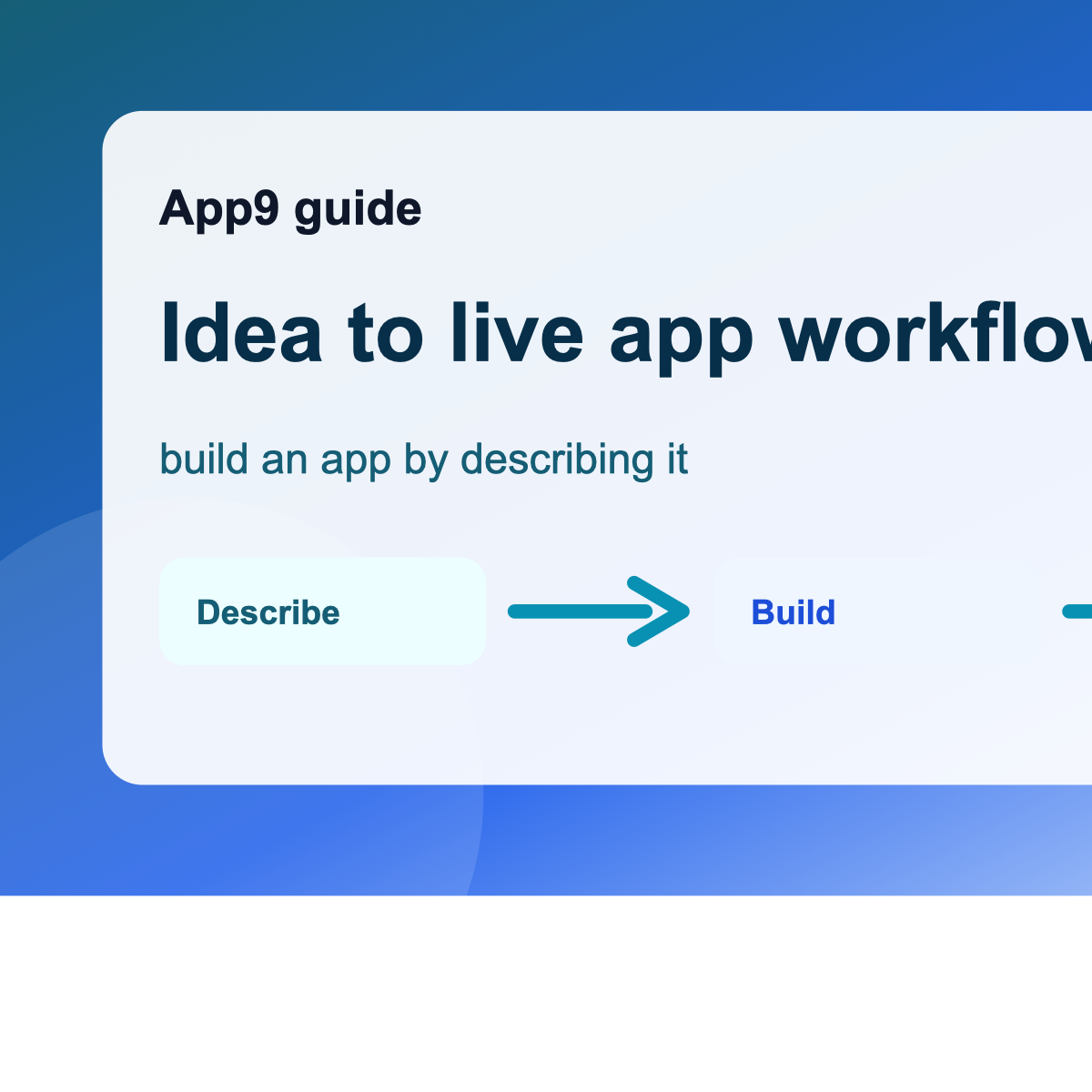
- Describe: make one product decision explicit.
- Generate: ask for the smallest change that demonstrates it.
- Inspect: identify changed behavior, data, permissions, and dependencies.
- Verify: test the happy path, a forbidden path, and a failure state.
- Record: keep the requirement, evidence, cost, and known limitation.
This rhythm is slower than accepting every plausible screen and much faster than discovering ten intertwined assumptions during launch week. It also produces a handoff trail: a future maintainer can see why the app behaves as it does instead of treating generated code as an archaeological site.
Use the worked specification, vibe coding guide, security checklist to turn the idea into documented evidence instead of a longer prompt.
What good progress looks like
At the end of a useful iteration, the team can explain what changed, demonstrate the intended behavior, show what happens when it fails, and return to a known-good version. If the only evidence is that the latest screen looks convincing, the project is still an experiment.
Editorial disclosure: App9.co is owned by AccelerMedia LLC, which operates App9 Builder. This guidance applies to App9 and competing or code-first workflows. AI assistance does not remove the owner’s responsibility to test, protect users, and obtain expert review when risk warrants it.